Pulse
FR Open the web portalWeb portal

Equip your

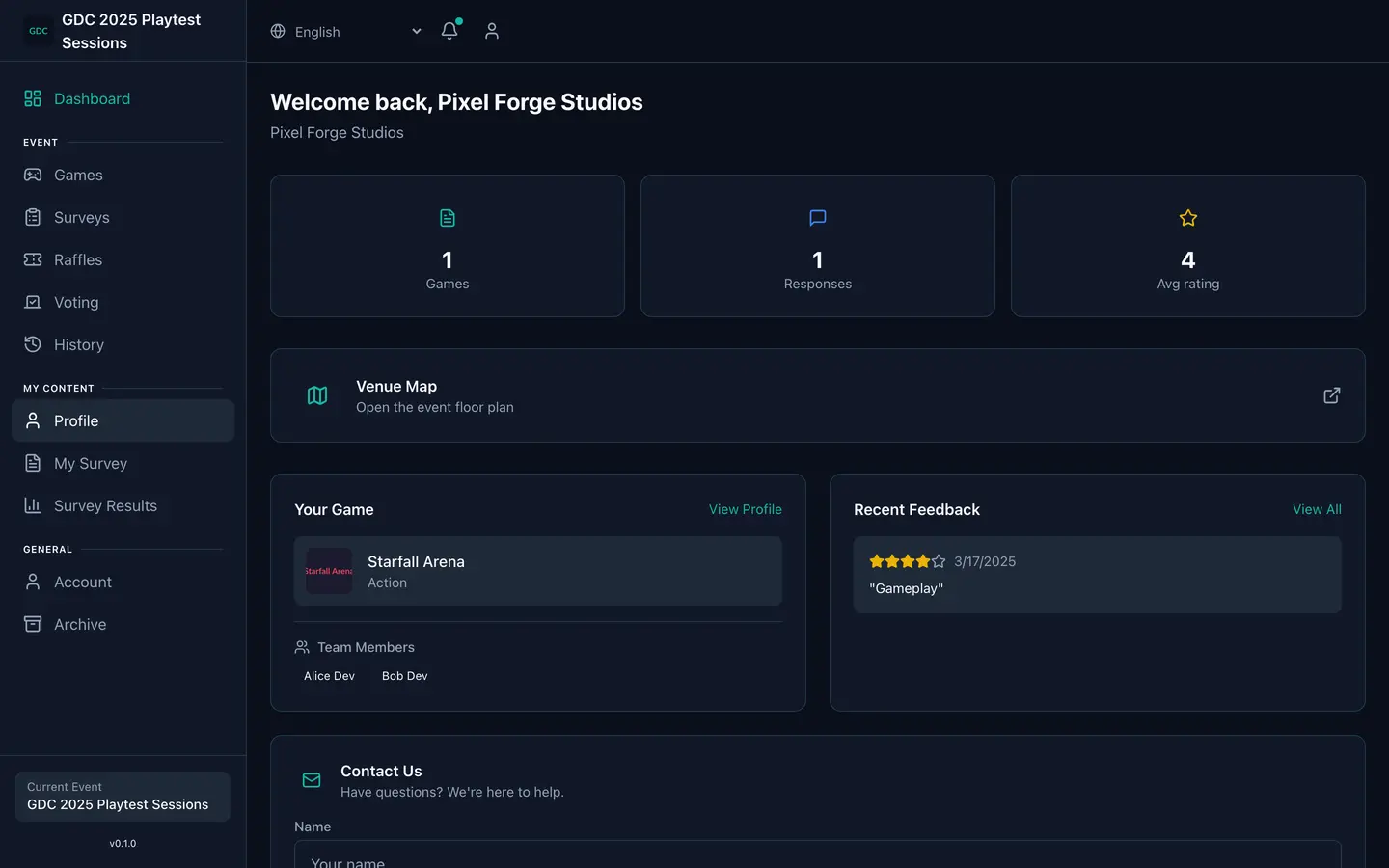
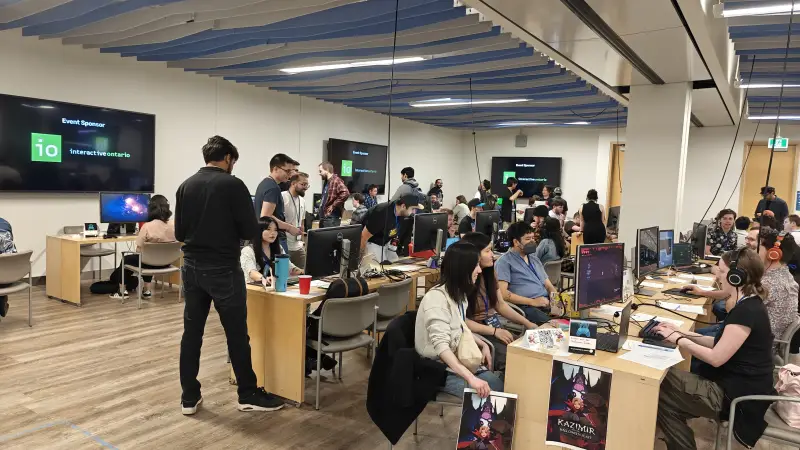
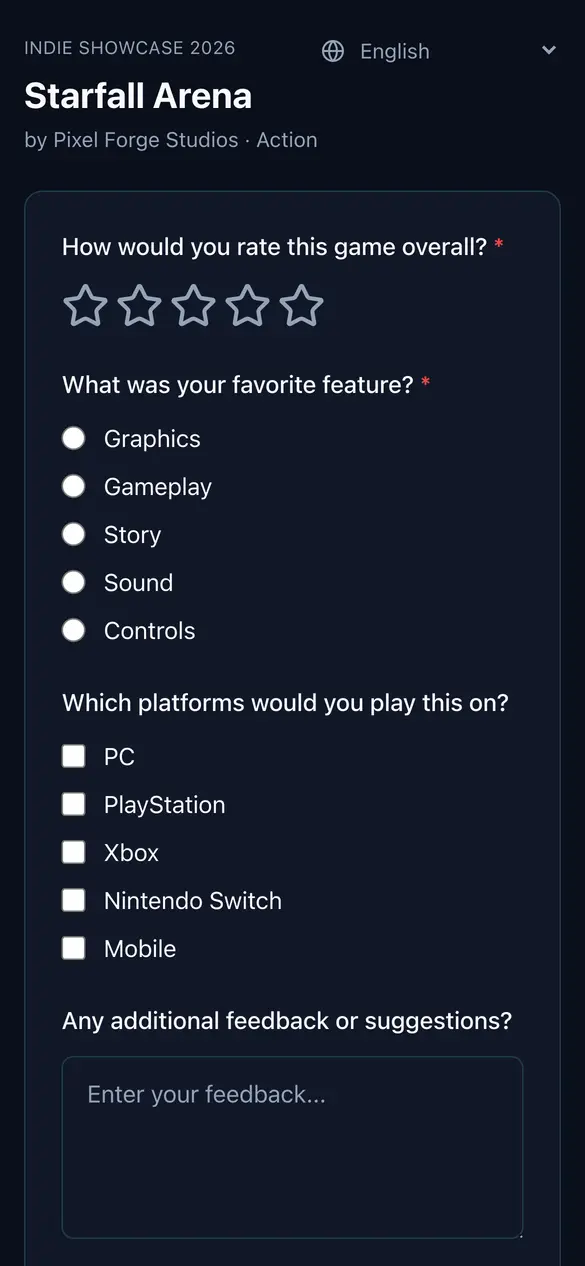
Pulse is one utility kit for your game, your playtest, your event and everything in between. Applications, booth surveys and live statistics are always on; QR check-in, judging, voting, raffles and more are modules you switch on, on the web and in the iOS and Android app.

Loadout: 3 of 9

Press a slot to equip or unequip it. The event's portal follows.

This is how Pulse works. Every module is a setting on the event. Switched off, it disappears from the portals and the app instead of sitting there greyed out.

Choose your role.

Organizers, developers and playtesters each get their own portal, on the web and in the app, with the same modules behind all three.

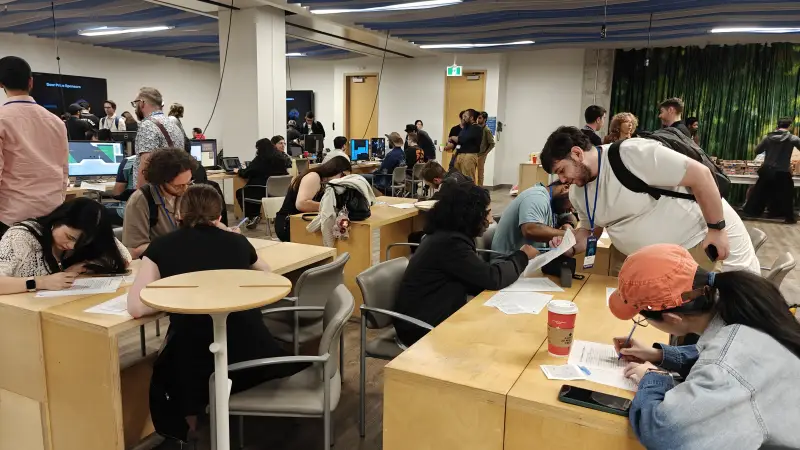
Attendees at long tables filling in paper feedback forms with pens during a playtest event.
The paper forms a Pulse event replaces.

Organizer Run the floor

  • Review and approve developer, playtester and media applications
  • Scan check-ins at the door and watch live statistics
  • Run judging rounds, voting sessions and raffle draws
  • Send push notifications and email campaigns
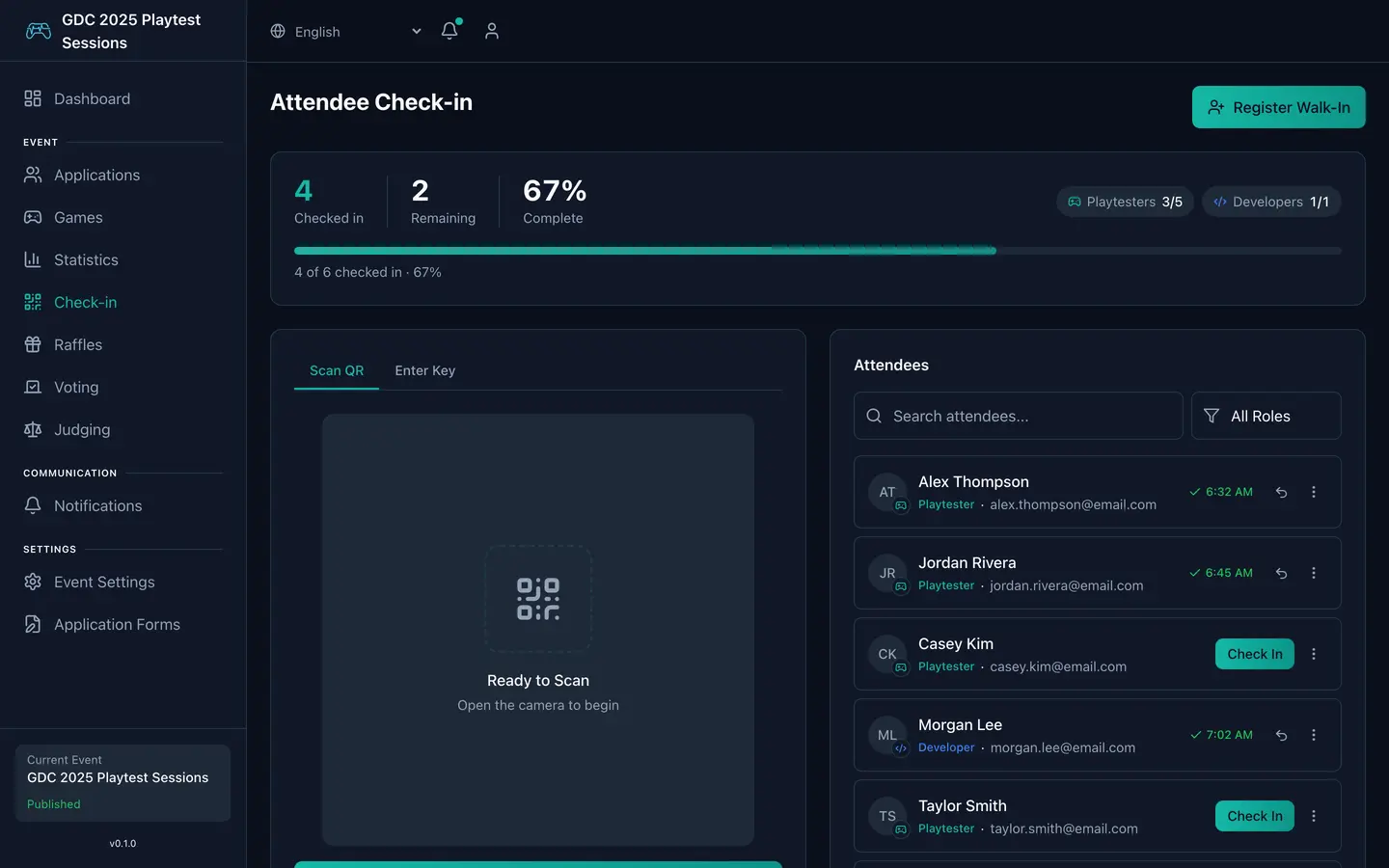
Admin portal check-in screen: attendance counters, a QR scanner panel and a list of attendees with check-in status.

Admin portal, check-in. Illustrative data.
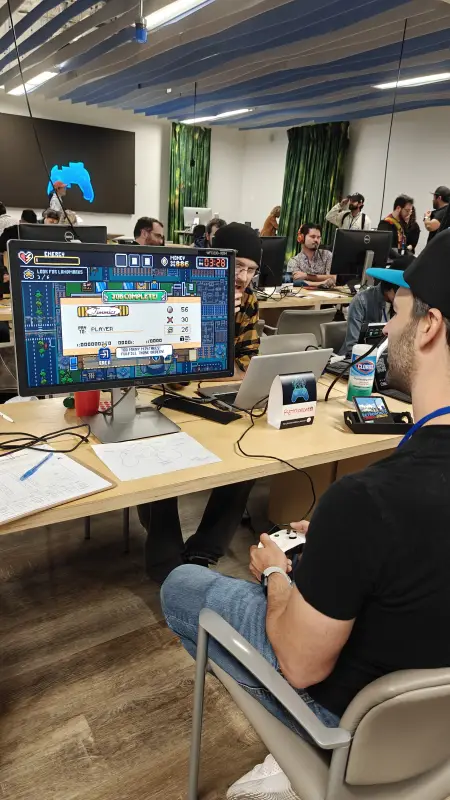
Open beta, on web, iOS and Android.

Pulse is in open beta. Get the app from TestFlight or the Google Play beta, or sign in to the web portal.

Open the web portal

Get launch updates

One email when Pulse leaves beta, and the occasional note about new modules. Nothing else.

Protected by reCAPTCHA. The Google Privacy Policy and Terms of Service apply.